Get ready for a better way to bank digitally!

Fidelity Bank’s enhanced Digital Banking experience launches June 15 – bringing you a smarter, more streamlined way to manage your finances.

You’ll enjoy a suite of powerful features, including:

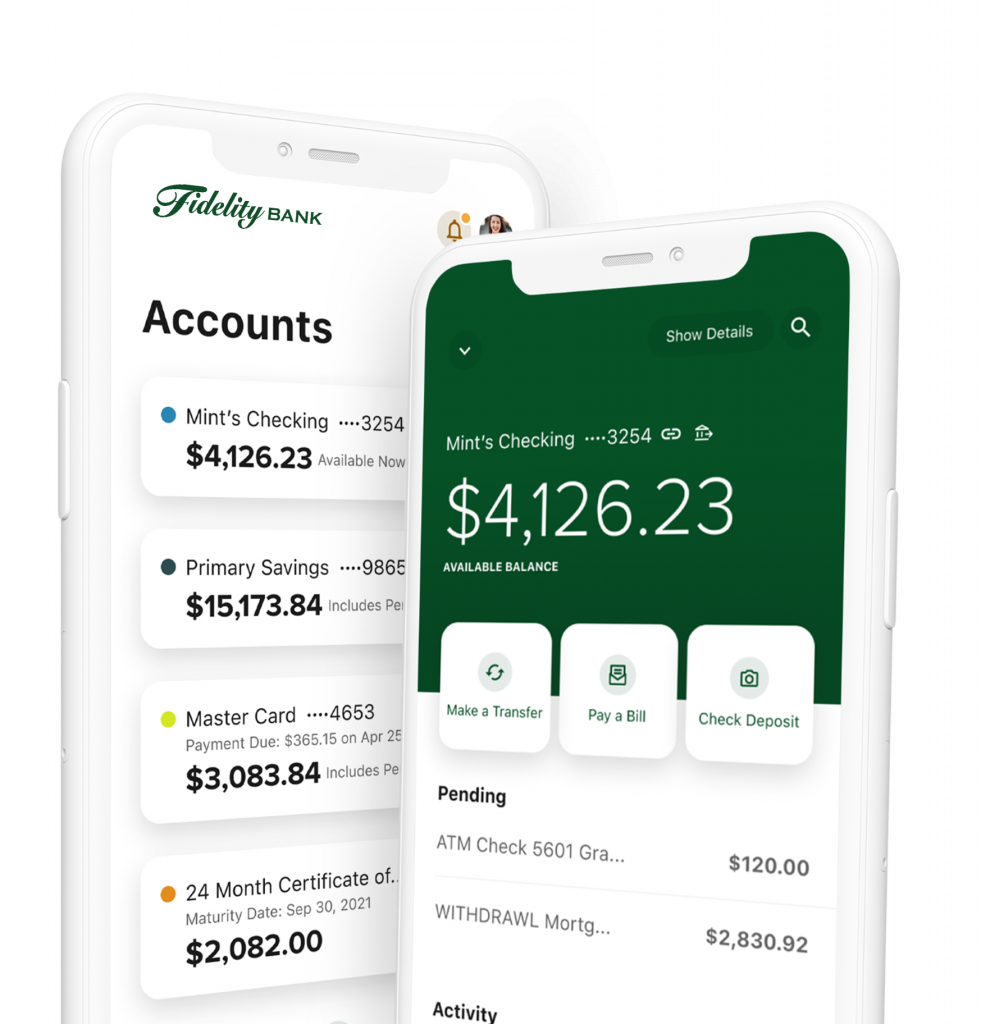
  • Account & balance insights
  • A payment hub for seamless & easy transfers and bill pay
  • Profile & security settings to manage your information with confidence
  • The message center for direct communication and support
  • Financial wellness tools to help you plan and grow
  • Alerts & notification controls so you stay informed
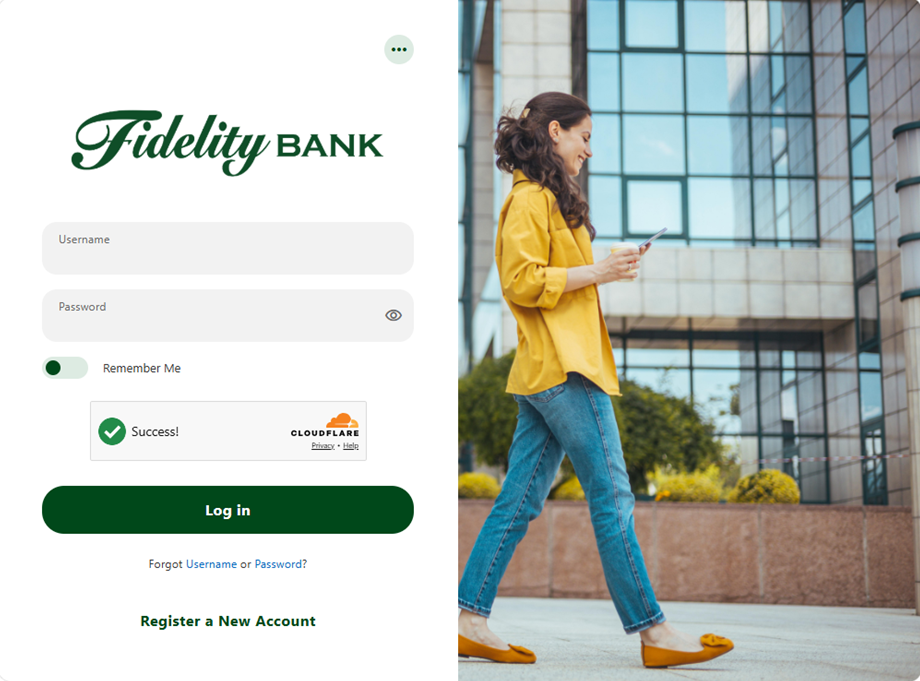
  • A unified login experience for both personal and business banking

Service Pause Details

Friday, June 12 – Monday, June 15

  • Bill Pay will be unavailable beginning at 2:00 A.M. on June 12.
  • Mobile deposit will be unavailable beginning at 2:00 P.M. on June 12.
  • Beginning at 5:00 P.M. on June 12, Consumer Mobile and Online Banking will be in view-only mode. You’ll be able to view balances and transaction history, but no transactions can be made.

Previously scheduled bill payments, transfers, and other transactions will continue to process as planned during this period. We encourage you to complete any time-sensitive transactions before June 12.

On June 15, normal operations will resume in the new Digital Banking experience.


Friday, June 12 – Monday, June 15

  • Beginning at 4:00 P.M. on June 12, your business mobile app will no longer be available. You will be able to access business online banking until 5:00 P.M. on June 12. If you attempt to log in, you will receive an error message.
  • If you use QuickBooks, please download your transactions by 5:00 P.M. on June 12. More information will be available on our website.

Previously scheduled bill payments, transfers, and other transactions will continue to process as planned during this period. We encourage you to complete any time-sensitive transactions before June 12.

If you use any of these business services, please click the links for important updates.

We’re here to help!

During this temporary pause, you may visit one of our branches if you need assistance with a transaction.
Fidelity Bank bankers will be available to support you before, during, and after the transition to ensure a smooth experience. We’ve extended our Client Care Center’s regular business hours to support you during this time.

Friday, June 12: 8:00 A.M. – 7:00 P.M.
Saturday, June 13: 9:00 A.M. – 3:00 P.M.
Sunday, June 14: 9:00 A.M. – 12:00 P.M.
Monday, June 15 – Thursday, June 18: 8:00 A.M. – 6:00 P.M.
Friday: June 19: Federal Holiday (limited coverage): 9:00 A.M. – 12:00 P.M.
Saturday, June 20: 9:00 A.M. – 3:00 P.M.

We are excited to introduce our new Digital Banking experience to our business clients. Below are several important updates to review. Please take a moment to look through them, and do not hesitate to reach out with any questions. One key enhancement is the introduction of the Master User role (formerly the Senior Administrator). The Master User will have the ability to efficiently add, update, and manage business information online.

The Master User will also determine the level of access granted to Sub Users. In some cases, this may include assigning specific accounts or services to individual Sub Users.

After signing in to the new system, the Master User should review each user’s access and make any necessary adjustments. Please reference the user guide above (“View User Guide” button) to learn how to set up Sub Users.

To support upcoming enhancements to your Digital Banking experience, Remote Deposit Capture (RDC) will temporarily require a separate login. This update helps ensure secure, uninterrupted access while we continue improving the platform.

RDC users will receive an email from Fidelity Bank in advance, letting you know when to expect a follow‑up message containing your username and temporary password. The first time you access Remote Deposit, you will be prompted to enter the login credentials provided in the email you received. 

Your business continues moving without interruption. ACH payments submitted by 5:00 P.M. on Friday, June 12 will process as usual.

Starting Monday, June 15, your recurring payments will continue seamlessly, and your ACH templates will be ready for you to review. NOTE: If you typically use the “copy function” from a previously submitted ACH file to create a new file, you MUST save the client information to re-key into the new platform. Previously submitted files will not be converted.

Wire requests submitted by 4:00 P.M. on Friday, June 12, will be processed as expected. In the new platform, your payee details will carry over, making it easy to quickly set up and manage your wire templates moving forward. If you would like to retain your prior templates, be sure to save the necessary details by Friday, June 12.

We’ve made security simpler and more convenient. With built-in multi-factor authentication, tokens are no longer required, while still keeping your accounts secure.  If you prefer to continue using a token, our Digital Services Support team is always here to help.

As we prepare for the June 15 launch of our new Digital Banking experience, enhanced security measures may result in changes to how personal accounts or multiple entities are associated and displayed. If your account view has changed and you would like it to be grouped, please contact us at 800.388.4380. We’re happy to assist.

As we upgrade our Digital Banking platform, QuickBooks® and Quicken® connections will be temporarily disrupted.  By 5 P.M. on June 12, please download your most recent transaction history to ensure your records are up to date.

What to expect

  • Web Connect – QuickBooks (.QBO file) and Quicken (.QFX file) export functionality will be available in Online Banking on June 16.
  • QuickBooks Online, Quicken Windows/Mac Express Web Connect, and Quicken Connect users – the ability to interface automatically with online banking will not be available until June 24. Please download a QFX or QBO file from online banking during this timeframe.
  • On June 16, you should disconnect your online banking connection within your QuickBooks or Quicken product following procedures found within the help feature of the program.
  • On June 24, you should reconnect the online banking connection for those accounts following procedures found within the help feature of the program.

FAQs